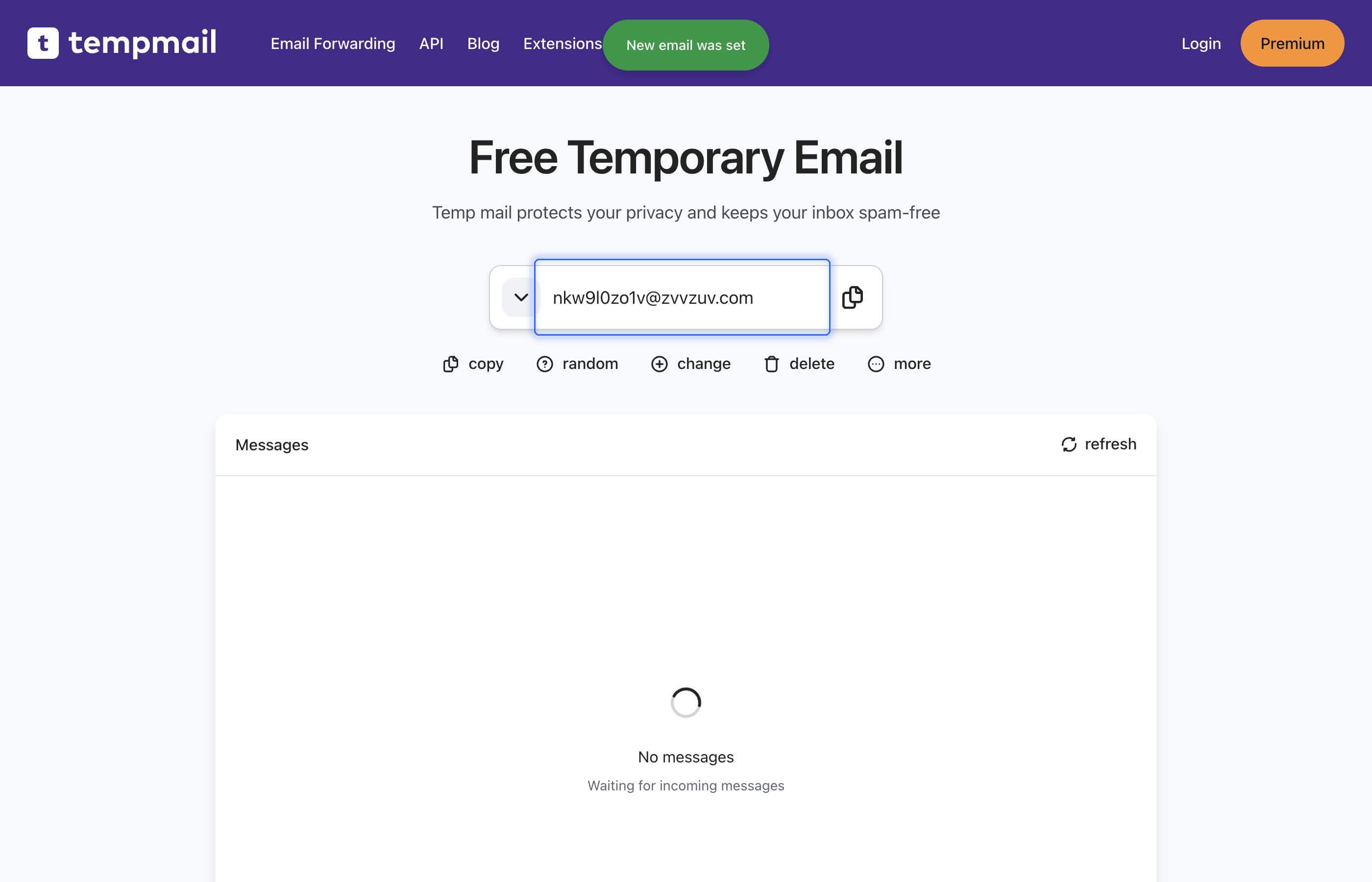
How to access old temp mail?
Sometimes you may need to access an old temp mail again. For example, to get some information, associated with your account. If your temporary email was expired or you deleted it, you can still access it. Use emails history feature to access any old temp mail.
How to use emails history?
- Go to the main page
- Click on the "more" button
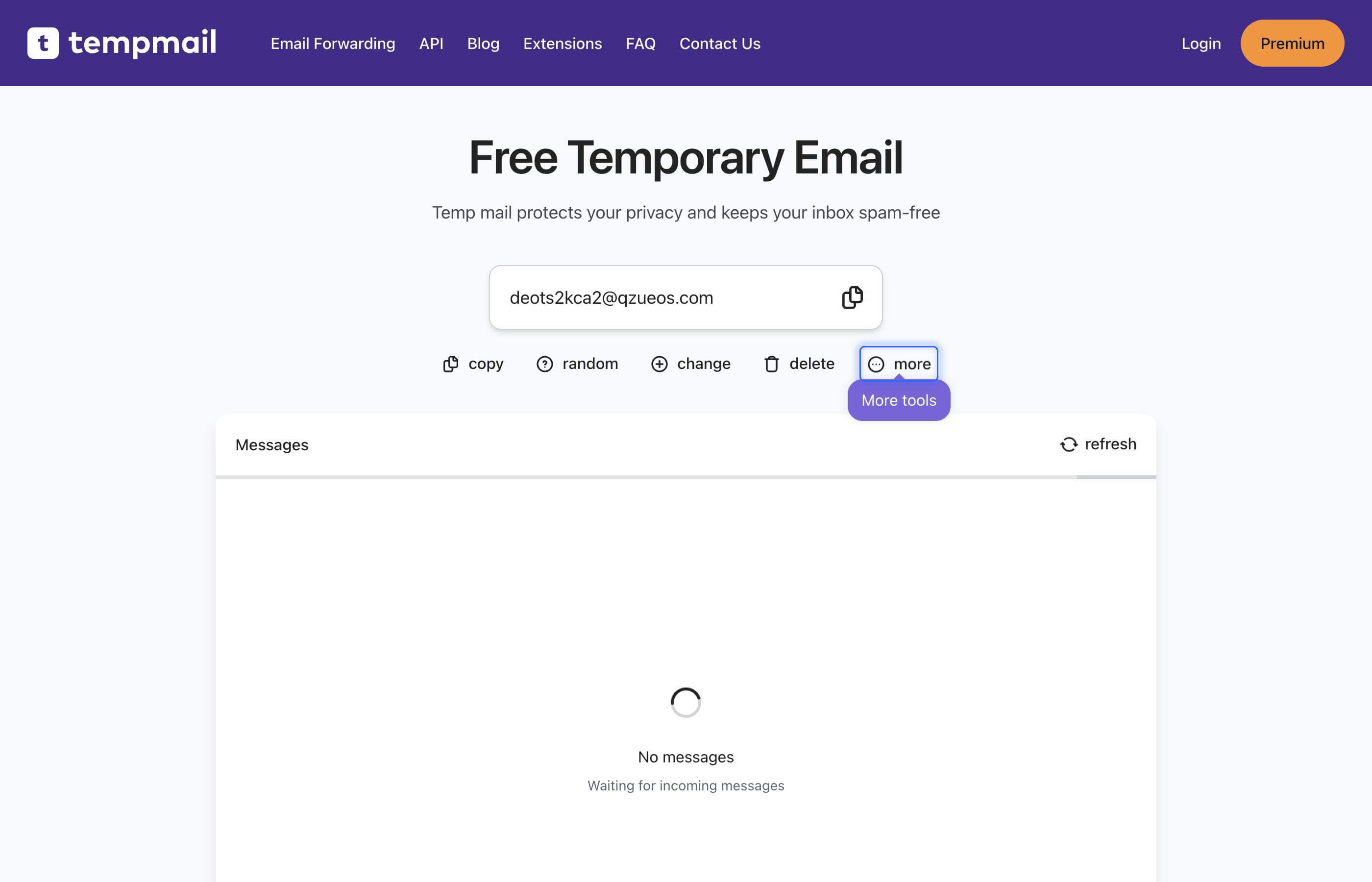
- Click on the "Emails history" button
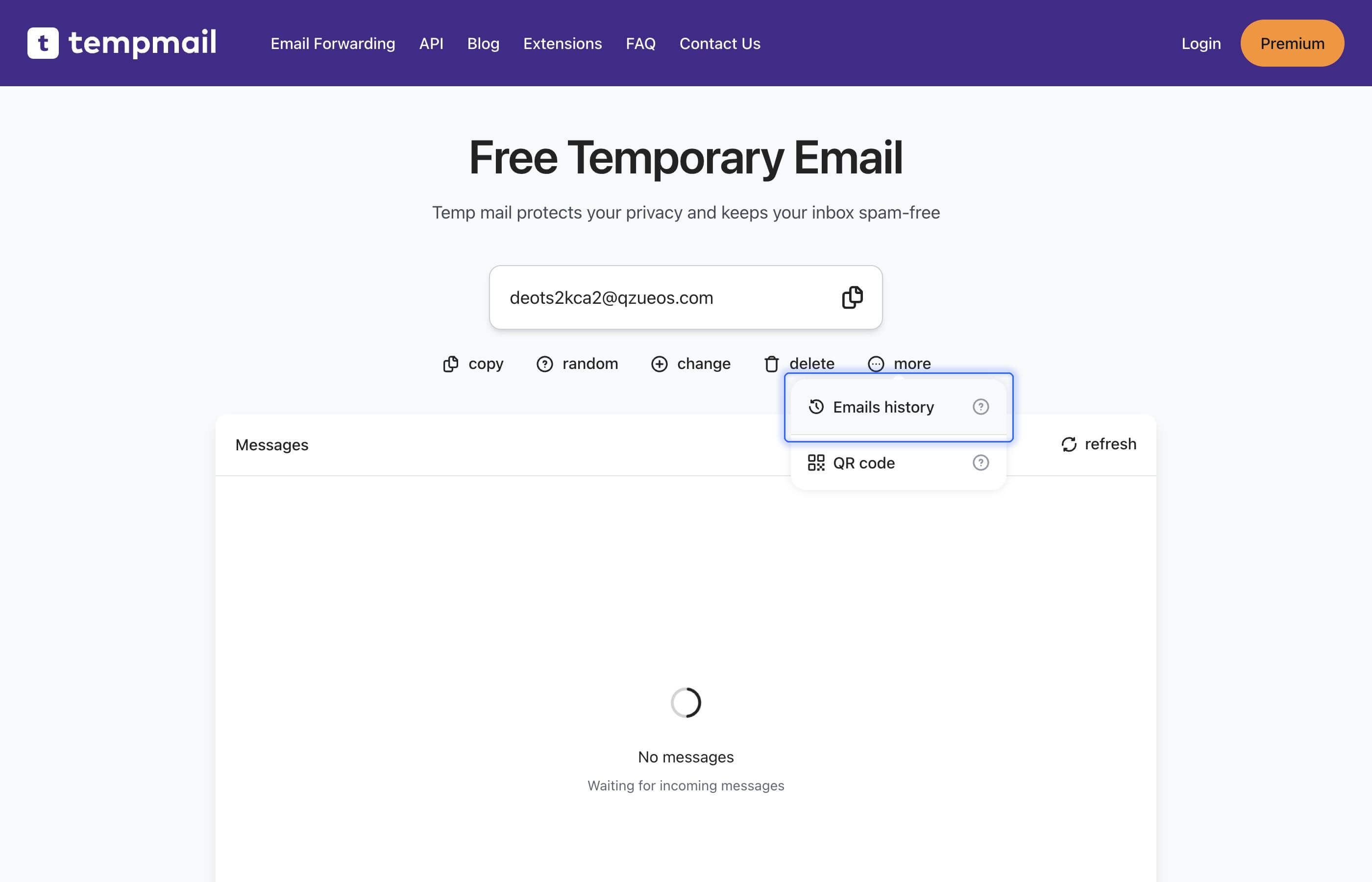
- Find the email you want to access
- Click on the "use" button or just copy the email address and paste it into "Change email" popup.
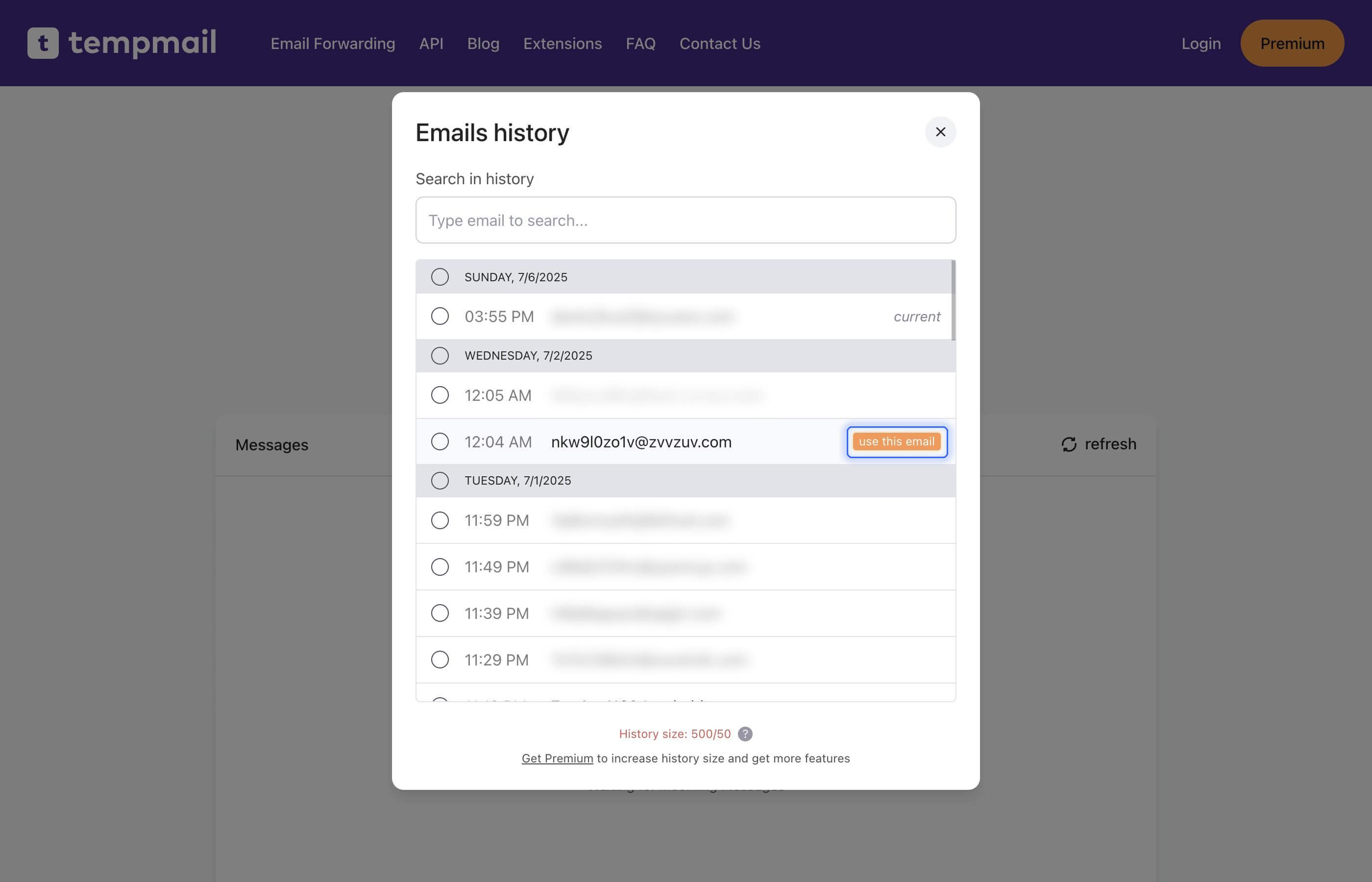
That's it! Now you can use this email again. Next time you can use the same process to access it again.