
In 2026, almost every website wants something from you: your email, your location, and as much behavioral data as it can collect. At the same time, data leaks, spam, and tracking pixels have become the norm rather than the exception. If you still sign up for every new service with your main email and without a VPN, you are giving websites a direct line to your real identity.
A simple, practical way to break this pattern is to combine a VPN with temporary email. In this post, you'll see how this combo works, why it protects you much better than using either tool alone, and how to set it up in a couple of minutes using 7vpn and a temp mail service.
Table of Contents
- Why your regular email and IP are a problem
- What a VPN actually does in this scenario
- What temporary email does (and doesn't) do
- Why the combination is so powerful
- Meet 7vpn: fast, convenient, Telegram‑native
- Step‑by‑step: using 7vpn with temporary email
- Real‑world scenarios where this helps
- Best practices and limits
- Take back control of your online identity
Why your regular email and IP are a problem
Your real email address and your real IP together form a persistent fingerprint that follows you from site to site.
- Your email often contains your real name or a recognizable username.
- Your IP address reveals your approximate location and your internet provider.
- When you reuse the same email and stay on the same IP, different services can gradually map your activity and connect the dots between accounts.
This leads to several common problems:
- Endless spam and marketing emails after a single registration.
- Risk that your email ends up in a data leak and is sold in databases.
- Profiling and tracking across platforms, even if you never explicitly share your real name.
If you want to test a new service, grab a promo code, or register on a site that you don't fully trust, using your main email and bare IP is the worst possible starting point.
What a VPN actually does in this scenario
A VPN (Virtual Private Network) creates an encrypted tunnel between your device and a remote server, then sends your traffic to the internet from that server instead of directly from your device.
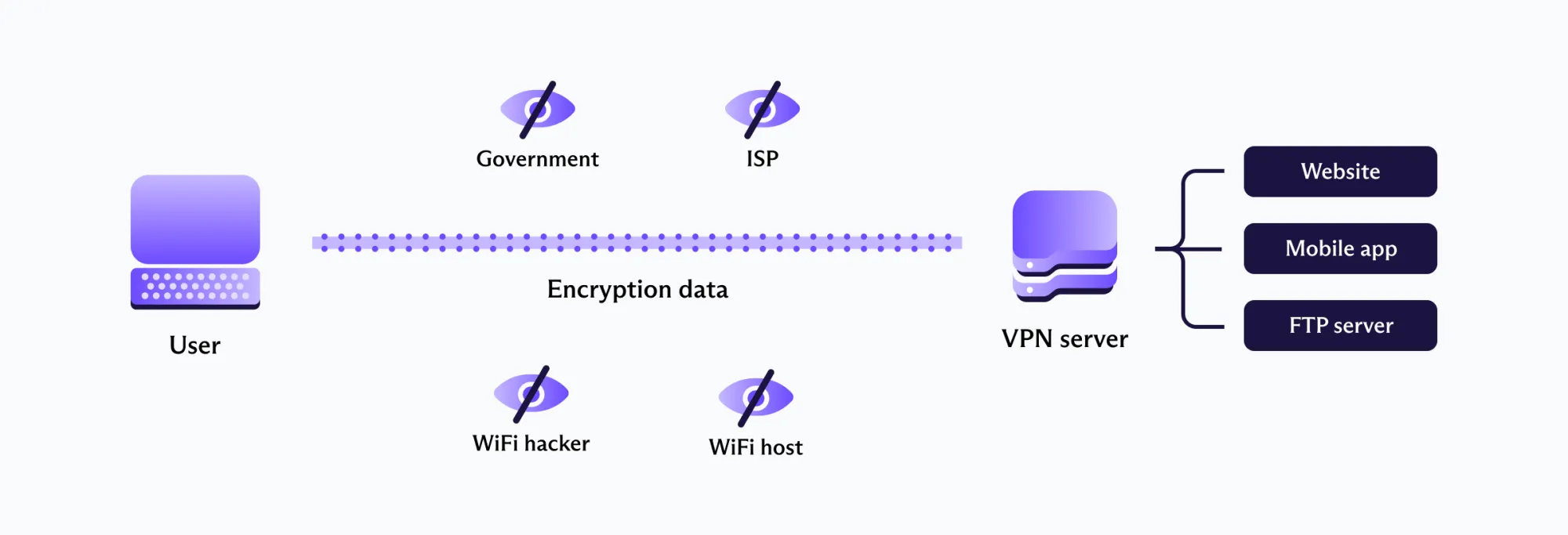
When you turn on a VPN:
- Websites see the IP address of the VPN server, not your real IP. In 2025, 60% of all VPN users used it for privacy purposes.
- Your ISP and anyone on the same Wi‑Fi network can't see which sites you visit, only that you're connected to a VPN.
- Your traffic is encrypted, so snooping on your connection becomes much harder.
In the context of registrations and logins, this means:
- The website cannot reliably tie your account to your physical location.
- Data leaks involving IP logs will point to a VPN server, not to your home or office.
- You can appear to be in another country to access region-locked services or better pricing.
VPN alone, however, doesn't solve the problem of your email identity. If you use the same personal address everywhere, that single piece of data still connects all your accounts together.
What temporary email does (and doesn't) do
Temporary email (also called temp mail, disposable email, or throwaway email) gives you a short‑lived inbox that you can use for quick registrations and one‑time confirmations.
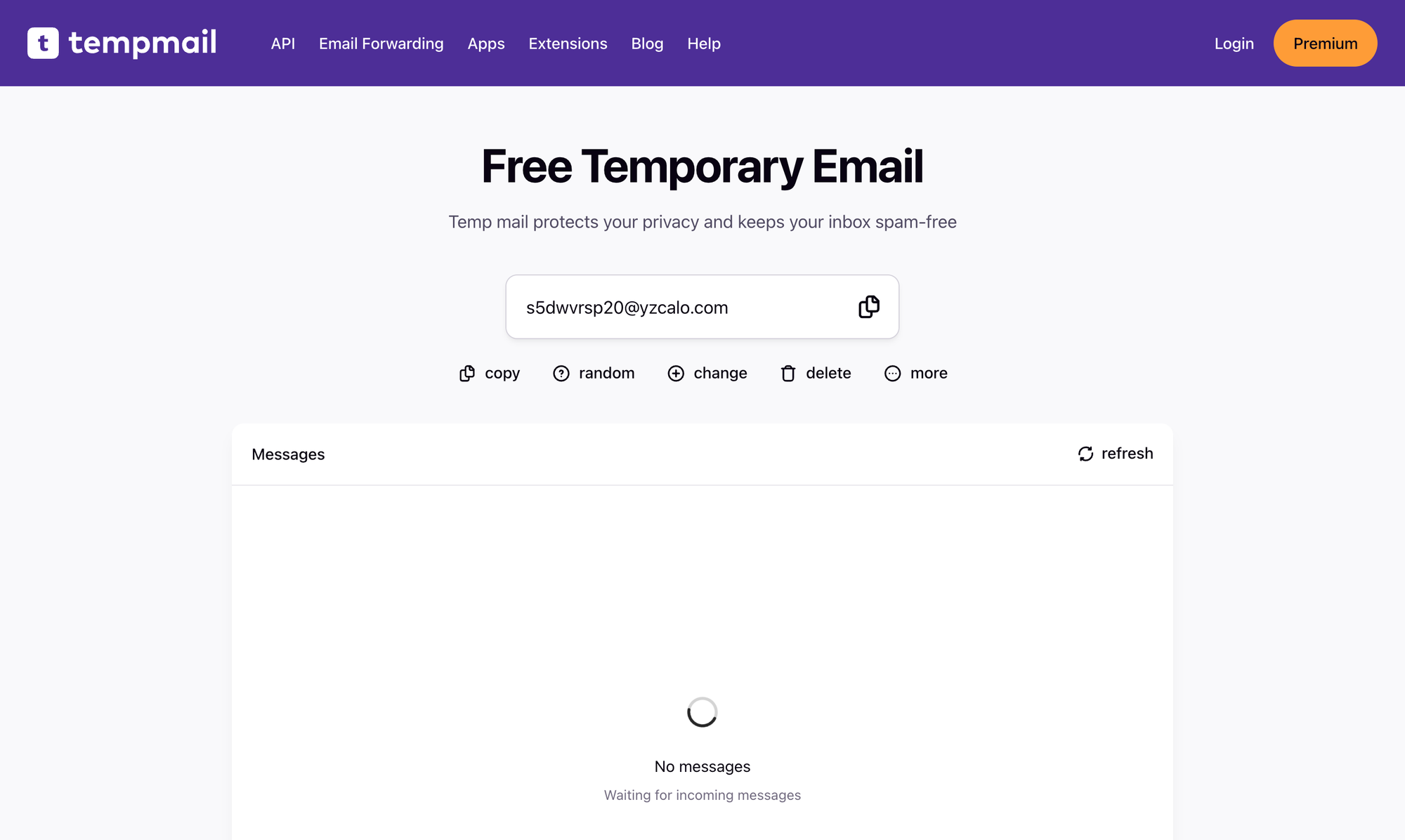
Key points about temporary email:
- You instantly get a random email address, usually without registering.
- You can receive messages (like confirmation links and one-time codes) for a short period: from a few minutes to several hours or days, depending on the service.
- Once you're done, you can simply close the page and forget about the address. In many cases, it gets automatically deleted along with its messages.
This is perfect for:
- Registering on websites you don't fully trust.
- Getting trial access, promo codes, or bonus content without exposing your main inbox.
- Avoiding long-term spam and newsletters you'll never read.
How to block junk emails: choose a spam email blocker
There are, however, clear limits: temporary mail is not for banking, critical accounts, paid subscriptions you plan to keep, or anything that you might need to recover later. For those, you should always use a stable, secure email address with two-factor authentication. Or you can use email aliases to create long-term, highly private email addresses.
Why the combination is so powerful
On their own, both VPN and temporary email provide some privacy benefits. Together, they form a much stronger shield.
When you combine VPN + temporary email:
- Your network identity is masked by the VPN server's IP.
- Your account identity is masked by a disposable address that soon stops existing.
- If the site leaks its user database, attackers see a dead email and a VPN IP instead of your personal inbox and real location.
- You can repeat this process for every "untrusted" registration, so each account becomes an isolated bubble that cannot easily be linked back to you.
Think of it as creating a new "online persona" for every risky sign‑up:
- New IP (via VPN).
- New email (via temp mail).
- Limited lifetime (you use it only as long as necessary).
All of this can be set up in under two minutes if your VPN is easy to start and your temp mail service works in one click. That's exactly where 7vpn shines.
Meet 7vpn: fast, convenient, Telegram‑native
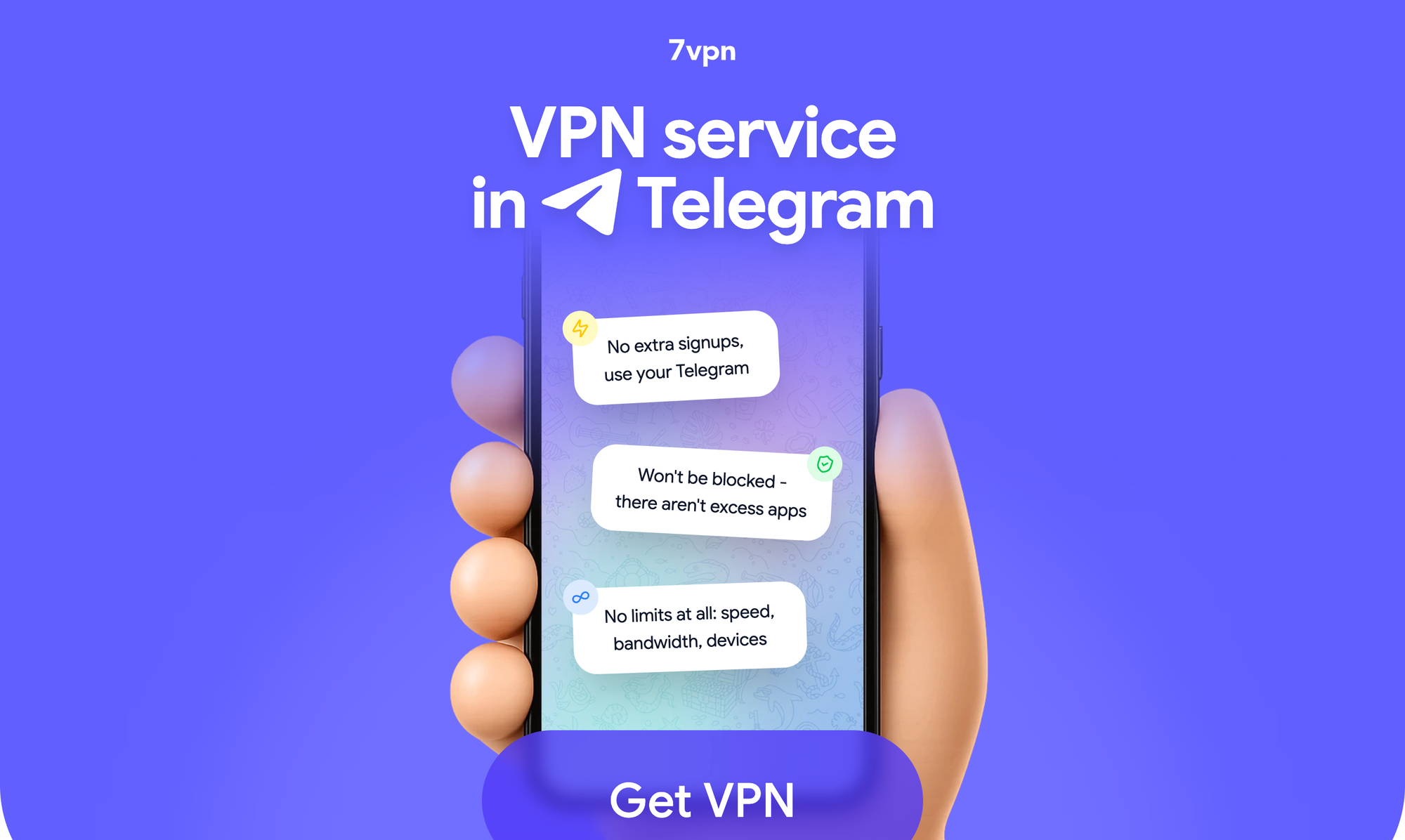
7vpn is a VPN service designed to be both user‑friendly and privacy‑focused, with a key twist: you can start using it directly from Telegram. Instead of hunting for apps and configuration files, you can begin in a familiar interface and get your connection details through a bot.
Why this matters for the VPN + temp mail combo:
- You reduce friction. You don't waste time on complex setup, so you're more likely to actually enable VPN every time you register somewhere.
- You can quickly switch locations. Need to sign up as if you're in a different country? Pick another server inside the bot and reconnect.
- You get stable, fast servers. Temporary emails and registration forms load quickly, so using privacy tools doesn't feel like a downgrade.
In practice, you want privacy tools that integrate smoothly into your daily routine. If using a VPN feels like a chore, you will eventually stop using it. 7vpn's Telegram approach solves this by making the "start VPN" step as simple as opening a chat.
Step‑by‑step: using 7vpn with temporary email
Here is a practical flow you can follow every time you sign up on a site you don't fully trust:
- Open the 7vpn bot in Telegram
- Go to: https://t.me/sevenvpn_bot
- Follow the instructions in the chat to choose a server and get your connection details.
- Set up the connection on your device (phone, laptop, or tablet) as prompted.
- Connect to a 7vpn server
- Choose a country based on your goal: for example, a region where the service is officially available or where you expect better performance.
- Turn on the VPN on your device and make sure the connection is active before opening the target website.
- Generate a temporary email address
- While connected to 7vpn, open your preferred temp mail service like temp-mail.io.
- Wait for it to generate a random email address for you.
- Copy this temporary address to your clipboard.
- Register on the website
- Go to the site where you want to sign up, still under the 7vpn connection.
- Paste the temporary email into the registration form.
- Complete the sign‑up steps as usual (username, password, etc.).
- Confirm your email
- Switch back to your temp mail tab and wait for the confirmation email to arrive.
- Open the message and click the confirmation link or copy any one‑time code required.
- Once your account is activated, you can close the temp mail tab.
- Continue using the site under VPN
- Keep 7vpn enabled while you use the new service so your traffic remains encrypted and your real IP hidden.
- If you later decide the service is useful and trustworthy, you can always create a new "real" account with your main email.
Real‑world scenarios where this helps
To make this more concrete, here are a few situations where the VPN + temp mail combo is especially useful:
- Accessing region‑locked content
Some websites and apps are available only in certain countries or show different pricing depending on your location. With 7vpn, you choose a server in the target region; with temp mail, you register without exposing your everyday inbox. - Testing new tools and startups
You discover a new SaaS or AI tool that looks promising but has almost no reviews. Instead of risking your main email on an unknown platform, you connect to 7vpn, generate a temp email, and test it from a clean, isolated profile. - Grabbing promo codes and one‑time offers
Many services offer discounts or free trials in exchange for an email. With temp mail, you can receive the promo, use it, and never worry about years of follow‑up spam. 7vpn ensures your IP still stays hidden during sign‑up and use. 23% of US adults use a VPN to save money, primarily on streaming services costs.
In all these cases, you remain in control of how much of your real identity you share and when.
Best practices and limits
While the VPN + temporary email combo is powerful, it's important to use it wisely:
- Use temp mail for low‑risk, disposable accounts only. Anything related to money, long‑term subscriptions, or personal data should use a secure, permanent email.
- Always keep 7vpn active when registering. If you sign up without VPN, you create logs that might link back to you.
- Choose strong, unique passwords even for disposable accounts. You never know when a "test" service will become something you actually rely on.
Introducing Our Free Password Generator
Take back control of your online identity
You don't need complex setups or niche tools to significantly improve your privacy. By adding just two simple steps—turning on 7vpn and using a temporary email—you can:
- Hide your real IP and location during sign‑ups.
- Keep your main inbox clean from spam and marketing lists.
- Reduce the impact of data leaks and tracking on your digital life.
If you want to try this workflow right now, start with the most convenient step: open the 7vpn Telegram bot, choose a server, and connect. From there, pairing it with any temp mail service turns every "risky" registration into a controlled, anonymous action.